aa.png)
Zoom interview etiquette is mostly about removing small distractions so the interviewer can focus on your answers. Join about five minutes early, keep your audio clean, look into the camera when making key points, and handle glitches openly instead of pretending nothing happened. You should look prepared, but you do not need to act like a news presenter.
The easiest way to get this right is to treat the interview as a sequence: prepare the room, make the first minute smooth, manage the conversation naturally, recover from problems, and close clearly. That gives you something more useful than a long list of unrelated video-call tips.
What should you set up the day before?
Use the day before for anything that might require a download, a cable, or another person. Open the exact Zoom link if the invitation allows it, confirm that the correct app launches, and check which display name and profile image will appear. Update Zoom and your operating system early enough that a restart will not surprise you ten minutes before the call.
Run a test call from the same room, at roughly the same time of day, using the connection you plan to use. Listen through headphones as well as your normal speakers. A microphone can sound clear to you while sending echo, keyboard noise, or a loud fan to everyone else. If possible, ask a friend to tell you whether your voice is steady and whether your face is clearly visible.
Place the camera close to eye level and frame your head and upper shoulders. Face a window or soft lamp rather than putting a bright window behind you. Your background does not need to look like an office. It needs to be tidy, still, and unlikely to draw attention while you answer.
Prepare a backup route before you need one. Save the interviewer's email or phone number somewhere you can reach even if your computer freezes. If your connection is unreliable, have a charged phone with mobile data available, but do not switch devices at the first minor stutter. A planned backup makes you calmer; unnecessary switching creates a second problem.
What should you do in the final 15 minutes?
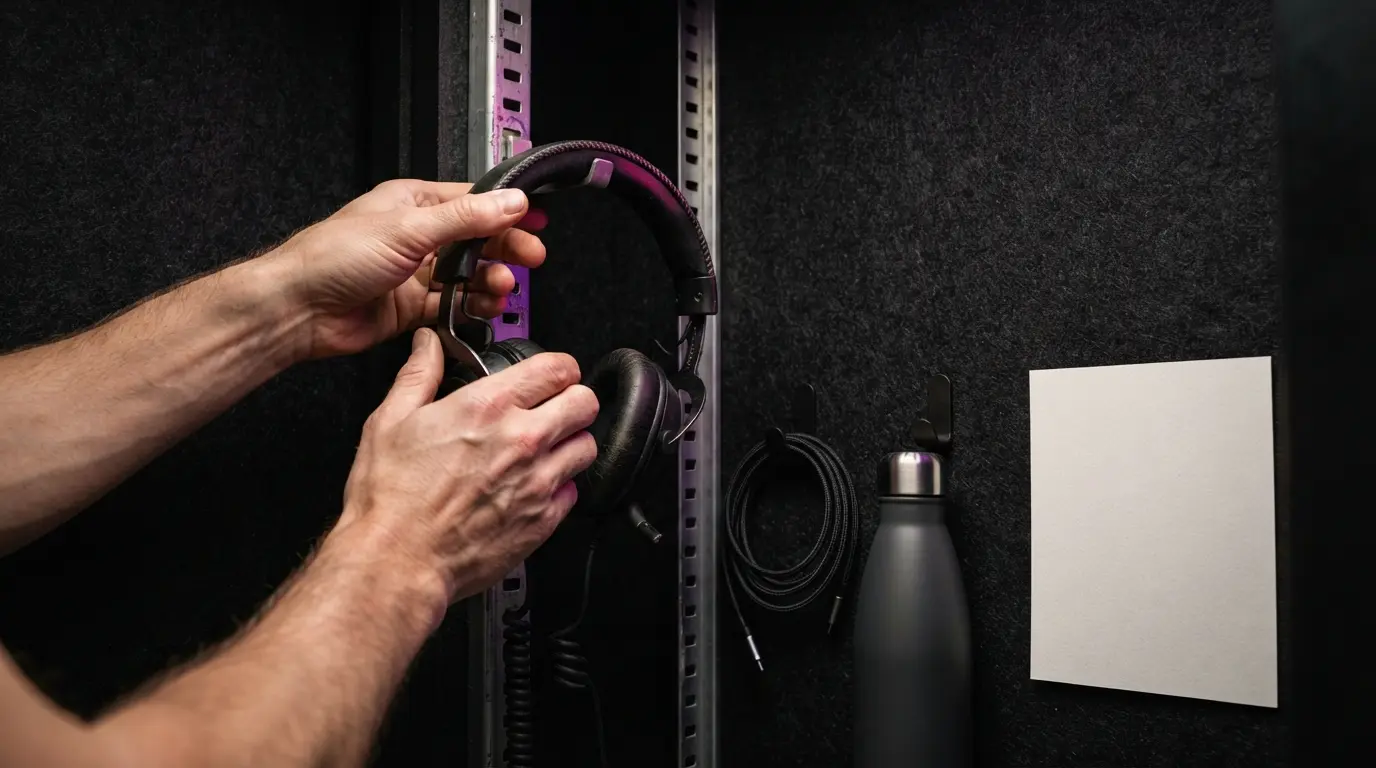
The final check should be short enough that it does not turn into frantic tinkering. Use this order:
- Close personal tabs, messaging apps, downloads, and anything that may show a notification.
- Confirm the correct microphone, speaker, and camera inside Zoom rather than relying on system defaults.
- Put your phone on silent, tell anyone nearby that the interview is starting, and close the door if you can.
- Place water, a pen, your prompt sheet, and the job description within reach.
- Join the meeting about five minutes early and wait without repeatedly leaving and re-entering.
This is also the right moment to check your desktop if screen sharing might be part of the interview. Use a clean browser window or a separate desktop, remove private filenames from view, and know whether the host expects your whole screen or one application. For a technical round, the same preparation matters even more; the live coding interview playbook explains how to narrate your thinking while keeping the shared workspace understandable.
How should you handle the first minute?
When the interviewer appears, greet them, confirm that they can hear you, and let the conversation begin. You do not need to comment on your background, explain your equipment, or apologise for being on video. A simple “Hi, it is good to meet you. Can you hear me clearly?” solves the only immediate technical question.
If several people join, note their names as they introduce themselves. In a panel, look toward the camera when you start an answer, then let your eyes move naturally toward the person speaking. Our panel interview guide covers how to include the whole group without turning your head toward every thumbnail.
What if the interviewer is late? Stay in the waiting room for ten minutes unless the invitation gives different instructions. Then send a calm message: “Hi Sam, I am in the Zoom waiting room for our 2:00 interview. I wanted to check that I have the right link. I am happy to keep waiting.” This confirms your presence without sounding annoyed or sending repeated messages.
Where should you look during a Zoom interview?
Camera eye contact is useful, but staring at the lens for an hour looks unnatural and stops you from reading the other person's reaction. Look into the camera when you greet them, state your main point, or finish an answer. Look back at the screen while listening and when you need to notice a follow-up cue.
Keep the Zoom window near the camera so the difference between the interviewer and the lens is small. If self-view makes you monitor your face, hide it after checking your framing. You will still be visible to everyone else, but you are less likely to adjust your hair or react to your own expression.
Your body language should remain conversational. Sit far enough back that a natural hand gesture can enter the frame, keep both feet supported, and avoid rocking or swivelling. Nodding can show that you are listening, but constant nodding looks automatic. Pause long enough to understand the question before you start speaking.
Should you mute yourself or stay unmuted?
For a quiet one-to-one interview, stay unmuted. The small sounds of natural conversation help both people judge when to speak, and an unmuted microphone prevents the familiar moment where a strong answer begins in silence. Mute when there is unavoidable background noise, when a large panel is introducing itself, or when the interviewer asks everyone to do so.
Audio delay causes more awkward interruptions than poor manners do. Leave a brief beat after the interviewer finishes, especially if the connection has already lagged. If you both start at once, stop and say, “Sorry, please finish your thought.” If it happens repeatedly, name the cause without making it dramatic: “I think there is a slight delay, so I will leave an extra beat before I answer.”
Do not keep apologising for every overlap. One clean acknowledgement is polite; repeated apologies make the delay take over the conversation. If you miss part of a question, ask for the missing part instead of guessing: “I heard the first part about the launch, but the audio dropped after that. Could you repeat the last sentence?”
Can you use notes without looking scripted?
Notes are useful when they reduce memory load, but full answers usually make candidates sound flatter. Keep one page with the interviewers' names, three proof points, a few numbers you may need, and the questions you want to ask. Place it close to the camera, not flat on the desk where every glance pulls your face downward.
Use short prompts such as “migration - six weeks - support tickets down” rather than complete sentences. The prompt should help you retrieve a story, while your actual answer stays responsive to the wording of the question. A simple spoken-answer structure can help you sound ready without memorising a script.
Test the placement during a recorded practice answer. Put the page just below or beside the camera, ask yourself a question, and watch the recording at normal speed. One brief glance to retrieve a figure looks natural. Looking away every few seconds suggests that the notes are driving the answer. If you need more than one page, separate your question prompts from your example prompts so you are not searching through dense text while the interviewer waits. Keep the font large enough to read without leaning forward, and never tape notes over a ventilation slot or the camera indicator.
The same rule applies to live assistance. If employer policy allows an interview aid, set it up before the call and make sure it does not compete for your attention. Hiintly can listen during a Zoom interview and surface resume-personalised suggestions on a private overlay, but you still need to answer in your own words and follow the employer's rules. Its free 10-minute session resets after a five-minute cooldown, which is useful for testing the workflow before the real interview.
What should you do when something goes wrong?
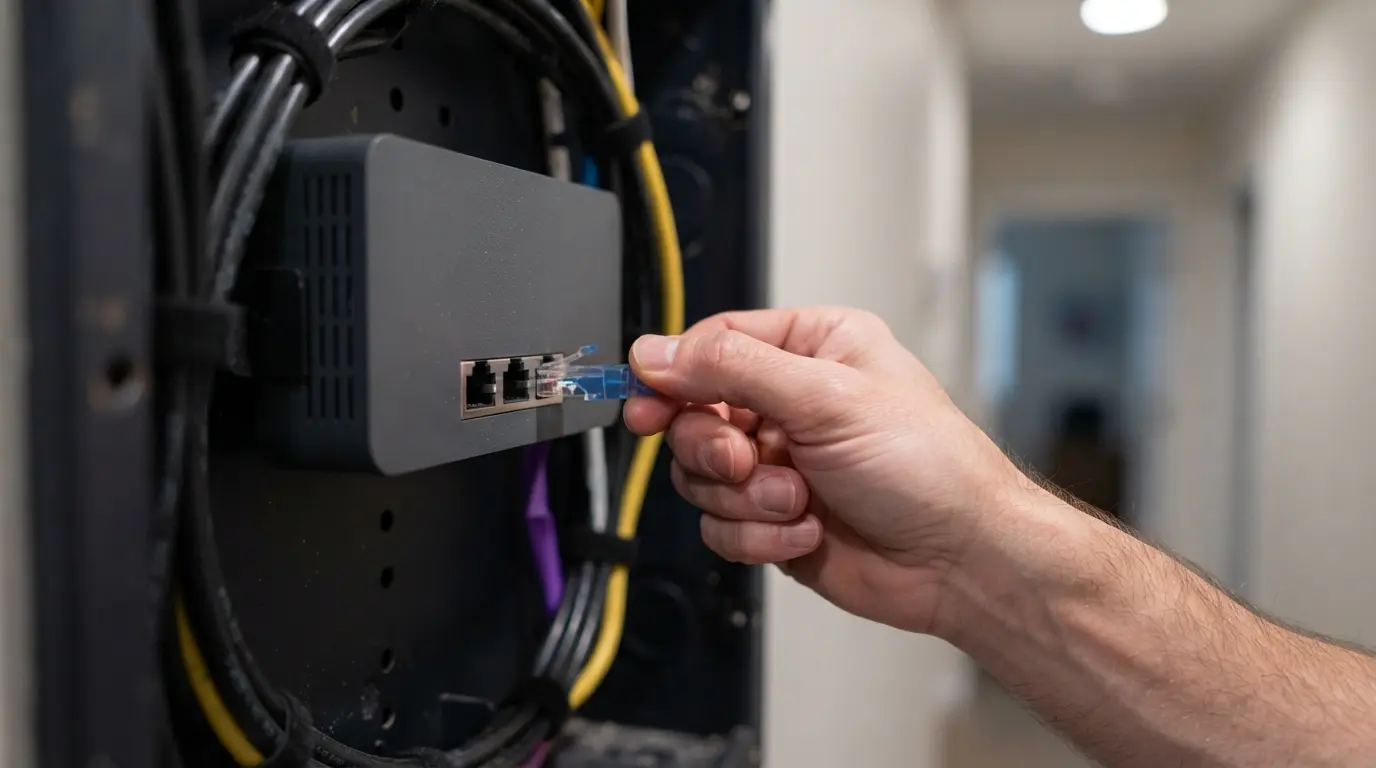
A technical problem is not automatically a bad impression. Your response matters more than the glitch. State what happened, take one sensible action, and give the interviewer a clear next step.
| Problem | What to do | What to say |
|---|---|---|
| Your audio cuts out | Re-select the microphone once | “My audio dropped for a moment. Can you hear me now?” |
| Their audio breaks up | Ask for the missing section | “I caught the start, but the last few words broke up. Could you repeat them?” |
| You disconnect | Rejoin once, then message | “My connection dropped. I am rejoining now, and I can switch to phone if it continues.” |
| A person enters the room | Mute briefly and resolve it | “Excuse me for a moment. I need to stop an interruption.” |
| Screen share shows the wrong window | Stop sharing immediately | “I shared the wrong window. I am stopping and reopening the correct one.” |
If the call becomes unusable, suggest a phone call or a new meeting rather than spending ten minutes cycling through settings. Keep your tone factual. Blaming Zoom, your internet provider, or another person does not repair the conversation.
How should you finish the interview?
When the interviewer asks whether you have questions, choose two or three that build on the conversation. Avoid racing through a fixed list when they have already covered an item. If you need stronger options, use these questions that reveal what the job is actually like and adapt them to what you heard.
Before leaving, thank the interviewer, confirm the next step if they have not mentioned it, and wait for the exchange to finish before clicking “Leave”. Do not sit silently hoping they will end the meeting first. A natural close is enough: “Thanks for your time. I enjoyed learning how the team handles the first 90 days. I look forward to hearing about the next step.”
Send a short thank-you message later that day. Refer to one specific part of the conversation and restate your interest without retelling the interview. Good Zoom interview etiquette should make the technology fade into the background. The interviewer should remember the way you listened, answered, and recovered, not the video-call mechanics.
Frequently Asked Questions
- How early should I join a Zoom interview?
- Open Zoom and finish your checks about 15 minutes early, but enter the actual meeting around five minutes before the scheduled start. Joining much earlier can place you in the room before the host is ready.
- Should I mute myself during a Zoom interview?
- In a quiet one-to-one interview, staying unmuted usually makes the conversation feel more natural. Mute when there is unavoidable background noise or during a long panel introduction, then make sure you unmute before answering.
- Is it acceptable to use notes in a Zoom interview?
- Yes. Keep a short prompt sheet near the camera with names, two or three examples, and your questions. Avoid full answer scripts because repeated side glances and a flat reading voice are easy to notice.
- What should I do if Zoom disconnects during the interview?
- Rejoin once, then send the interviewer a brief message using the contact details in the invitation. Say that your connection dropped, confirm that you are reconnecting, and offer a phone call if the problem continues.
- Where should I look during a Zoom interview?
- Look into the camera while making an important point, then glance back at the interviewer on screen to read their reaction. You do not need to stare into the lens for the whole conversation.