aa.png)
An AI interview voice assistant listens to the conversation, turns speech into text, and suggests a response while the interview is still happening. The useful ones help you recall your own evidence and shape a clear answer quickly. The wrong one gives you generic paragraphs that arrive late, distract you, or sound nothing like you.
Before you trust one in a real interview, test its audio capture, transcript accuracy, response speed, personal context, and controls. You should also check the employer's rules and decide in advance how much assistance you're comfortable using.
What does an AI interview voice assistant actually do?
The phrase covers two different products, and mixing them up leads to a bad purchase. A mock interview voice agent asks you questions before the interview and scores your practice. A live voice assistant listens during the real call and surfaces suggestions after it detects the interviewer's question. Some tools offer both, but the live workflow is the part that demands more care.
A good live assistant follows a simple chain: capture the interview audio, transcribe the question, identify what the interviewer wants, use the context you've provided, and show a short response outline. That chain has several points of failure. Poor audio creates a bad transcript. A bad transcript produces irrelevant advice. An overlong answer can be technically correct and still be impossible to use while another person is waiting.
The assistant should support your thinking rather than replace it. The most practical output is often a compact structure, a reminder of a relevant example, or two points you can express in your own words. If you need to read every sentence exactly as shown, the tool is making the conversation harder, not easier.
Which features matter during a real interview?
Feature pages tend to list everything a product can do. Your shortlist should focus on what changes the experience during a live call.
- Reliable audio capture: Confirm that the tool can hear both the interviewer and you in the exact setup you'll use. Test the desktop app or browser flow with the same headphones, microphone, and meeting platform.
- Accurate transcripts: Names, acronyms, role-specific terms, and different accents should survive transcription. One important missed word can reverse the meaning of a question.
- Useful response timing: Suggestions need to appear quickly enough to help without pushing you to fill every pause. A thoughtful two-second pause is normal in an interview.
- Personal context: The tool should work from your real experience, role, and examples. Generic answers are easy to spot because they lack decisions, constraints, and outcomes.
- Simple controls: You need an obvious way to pause listening, dismiss a suggestion, and recover if the tool misunderstands the question.
- Clear access model: Decide whether you need a subscription or occasional credits. If your interviews arrive in bursts, paying only for active sessions may fit better.
If you want a wider comparison before narrowing your shortlist, the best AI interview tool guide explains how live, practice, and coding tools differ.
How can you test one in five minutes?
Run a short rehearsal with a friend, or record five questions in a second browser window. Use one easy opener, one behavioral prompt, one role-specific question, one follow-up, and one deliberately ambiguous question. Keep the setup identical to the real interview whenever possible.
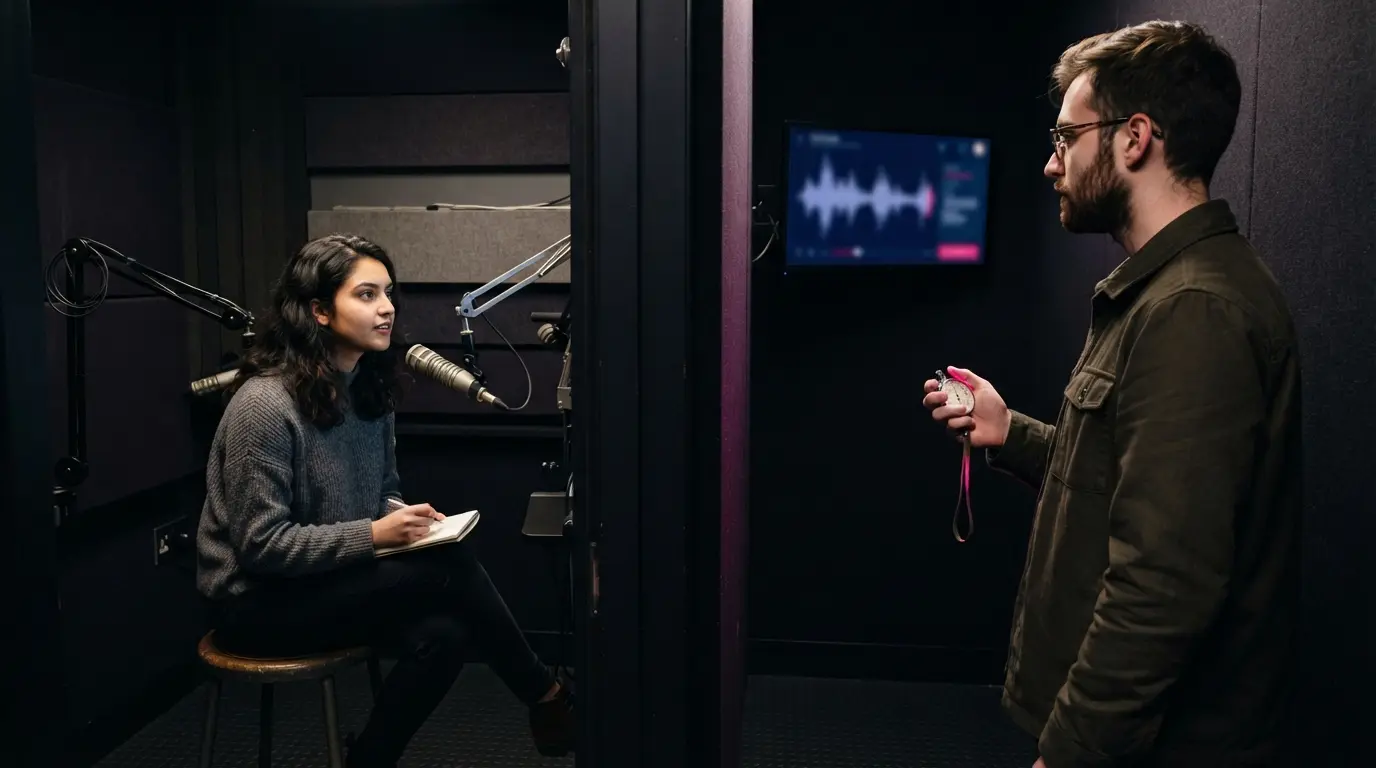
For each question, look at three things. First, compare the transcript with what was actually said. A small punctuation mistake rarely matters, but a missing negative, number, or technical term does. Second, note when the suggestion becomes usable. Measure the delay until you see a helpful point, not until the first word appears. Third, judge whether the answer uses your evidence or merely repeats the question in polished language.
The follow-up question is the most revealing part of the test. Interviewers often challenge an assumption, ask what you personally did, or request a concrete result. A voice assistant should carry the context forward instead of treating every sentence as a new topic.
End the rehearsal by breaking the setup on purpose. Change the microphone, speak over the other person briefly, or ask a question with an unfamiliar acronym. You want to know how the tool fails while the stakes are low. Practice a recovery line such as, "Let me take a moment to think about the exact example", then answer from your own preparation.
How should you use suggestions without sounding scripted?
Read for structure, not prose. If the assistant suggests a STAR answer, identify the situation, your action, and the result, then speak naturally. Keep your attention on the interviewer and use the tool as a quiet prompt rather than a teleprompter.
Your context file matters more than clever wording. Add a small set of accurate projects, decisions, measurable outcomes, and lessons. Remove claims you couldn't defend under follow-up. A suggestion grounded in two strong examples is safer than one generated from a long, unfocused document.
For behavioral questions, the assistant can remind you which story fits. For technical questions, it can help organize assumptions and trade-offs, but you still need to explain your reasoning. During a coding round, combine the tool with the habits in this live coding interview playbook: clarify the task, think aloud, test incrementally, and respond calmly when the first approach fails.
Set a personal rule before the call. You might use suggestions only to recall examples, only after you've formed your own answer, or only when you're genuinely stuck. A limit reduces the temptation to chase every prompt and lose the thread of the conversation.
What should you check about privacy and interview rules?
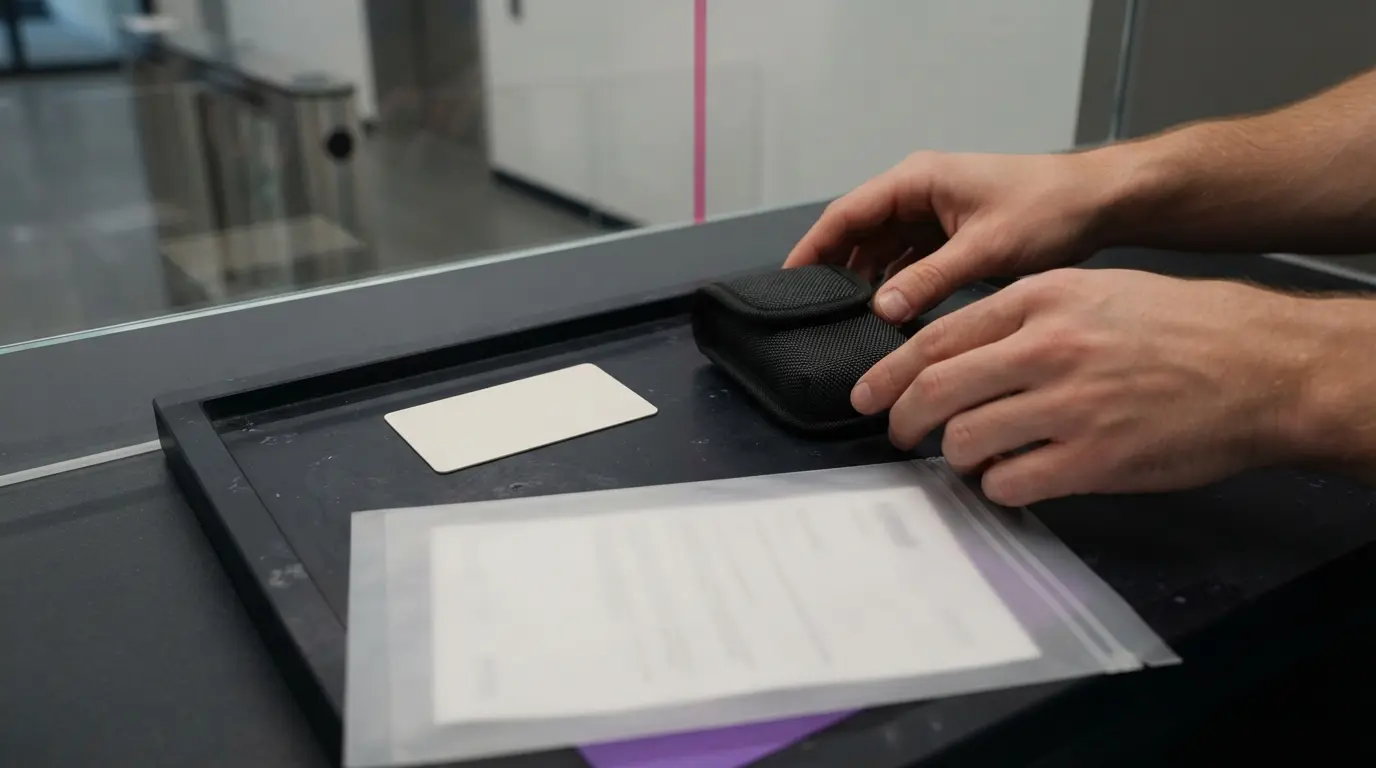
An interview can involve personal information, company details, and confidential scenarios. Read the product's current privacy terms before you upload a resume or allow audio capture. Check what is stored, how long it is retained, whether you can delete it, and whether recordings or transcripts are used for training. If the policy is vague, don't assume the most favorable interpretation.
Employer rules also vary. Some interviewers allow preparation aids but prohibit live external assistance. Coding assessments may have separate rules from conversational rounds. If a company or platform says outside help isn't allowed, respect that boundary. A private overlay doesn't change the policy, and no responsible product can guarantee that use will never be noticed.
There is a simpler fallback when the rules are unclear: use the voice assistant for practice, then close it for the real call. You still benefit from rehearsing concise answers, testing your microphone, and finding weak spots in your examples.
When is a voice assistant the wrong choice?
Skip live assistance when it divides your attention more than it helps. This often happens when the interface shows long paragraphs, the audio setup is unreliable, or you haven't practiced with the tool. It is also a poor fit when you don't have truthful examples loaded and would be tempted to repeat invented details.
People who interview rarely should look closely at billing. A recurring plan can keep charging during months when you have no calls. Hiintly uses pay-as-you-go credits instead of a subscription, so you can keep access for the periods when interviews are active. Its free 10-minute session becomes available again after a 5-minute cooldown, which is enough to test your audio, pace, and comfort before deciding whether the workflow suits you.
Don't introduce a new tool on interview day. If the first test makes you watch the screen constantly, return to notes and rehearsal. For an audio-only round, the preparation steps in these phone screen interview tips may do more for your performance than adding another live interface.
How do you choose the right tool for your next interview?
Start with the interview format. A behavioral round needs fast recall of personal stories. A technical discussion needs concise assumptions and trade-offs. A coding round needs context retention and explanations that match the code you're writing. Choose the tool that handles your hardest format instead of the one with the longest feature list.
Then run the five-minute test and keep a simple score for transcript accuracy, usable response time, relevance, control, and attention cost. Reject any option that encourages false claims, conflicts with the interview rules, or makes you less present in the conversation.
The right AI interview voice assistant should feel like a well-organized set of private notes that reacts to the question. You remain responsible for the answer, the evidence behind it, and the judgment to stop using the tool when it gets in the way.
Frequently Asked Questions
- Does an AI interview voice assistant answer in real time?
- A live assistant listens for the interviewer’s question, transcribes it, and surfaces suggested points during the call. Speed and transcript quality vary, so test your exact audio setup first.
- Can I use a voice assistant for a coding interview?
- Some tools support coding and technical discussions, but you still need to explain assumptions, test your work, and follow the platform’s rules on outside assistance.
- Will the interviewer know I am using an AI assistant?
- No tool can responsibly guarantee that its use will never be noticed. Check the employer’s policy, respect assessment rules, and use the assistant only in ways you can defend.
- What should I upload before an interview?
- Use a focused set of truthful projects, decisions, results, and role context. Remove any claim you could not explain under follow-up questioning.
- Should I choose a subscription or pay-as-you-go access?
- A subscription can fit frequent interviewing. Pay-as-you-go access can make more sense when interviews arrive in short bursts and you do not want to pay during quiet months.